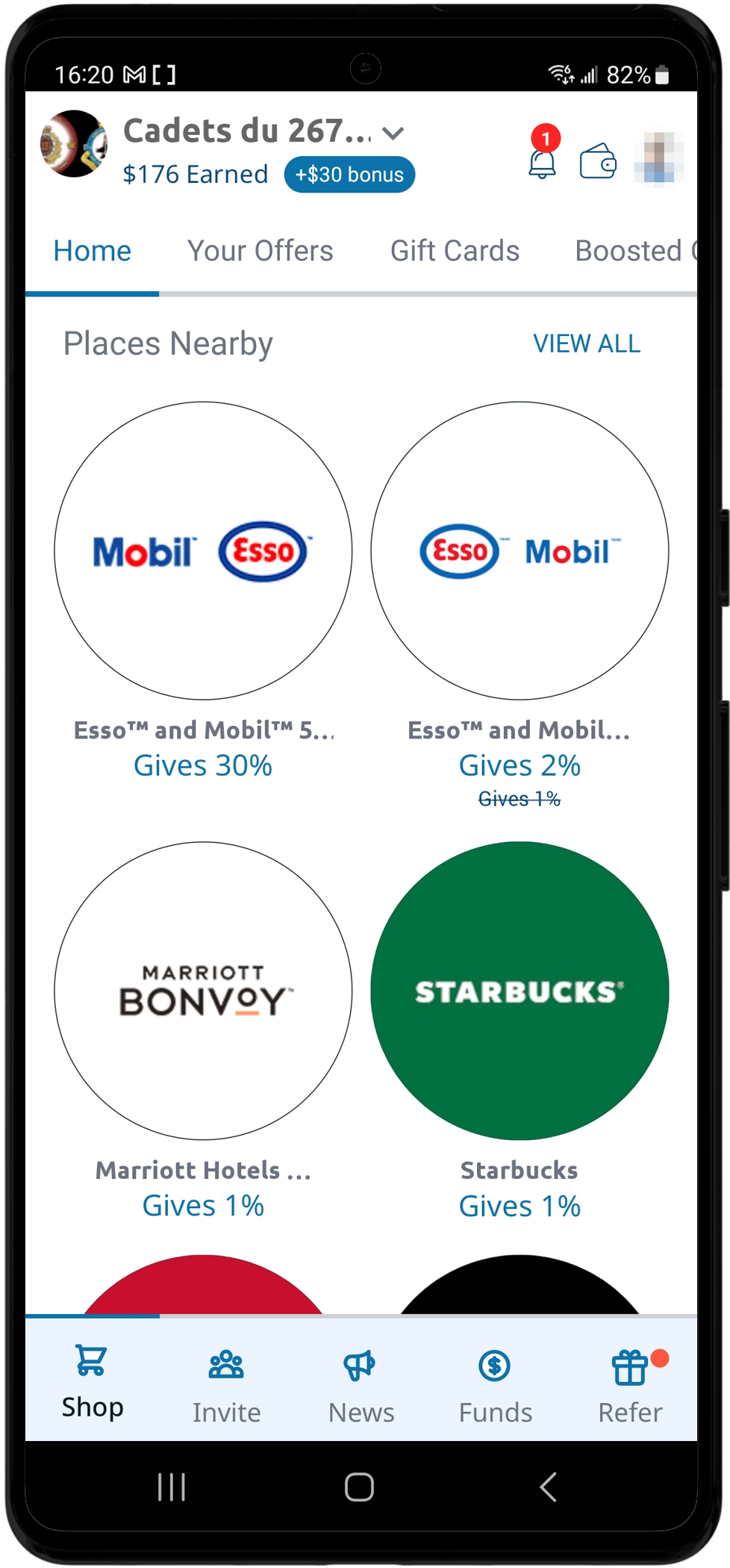
FlipGive: step-by-step instructions
Step 1: Download the FlipGive app
The FlipGive app is free on your phone. Download it using the following links:
You can also use FlipGive on the web: 2u1f.ca/4f1Wyzd

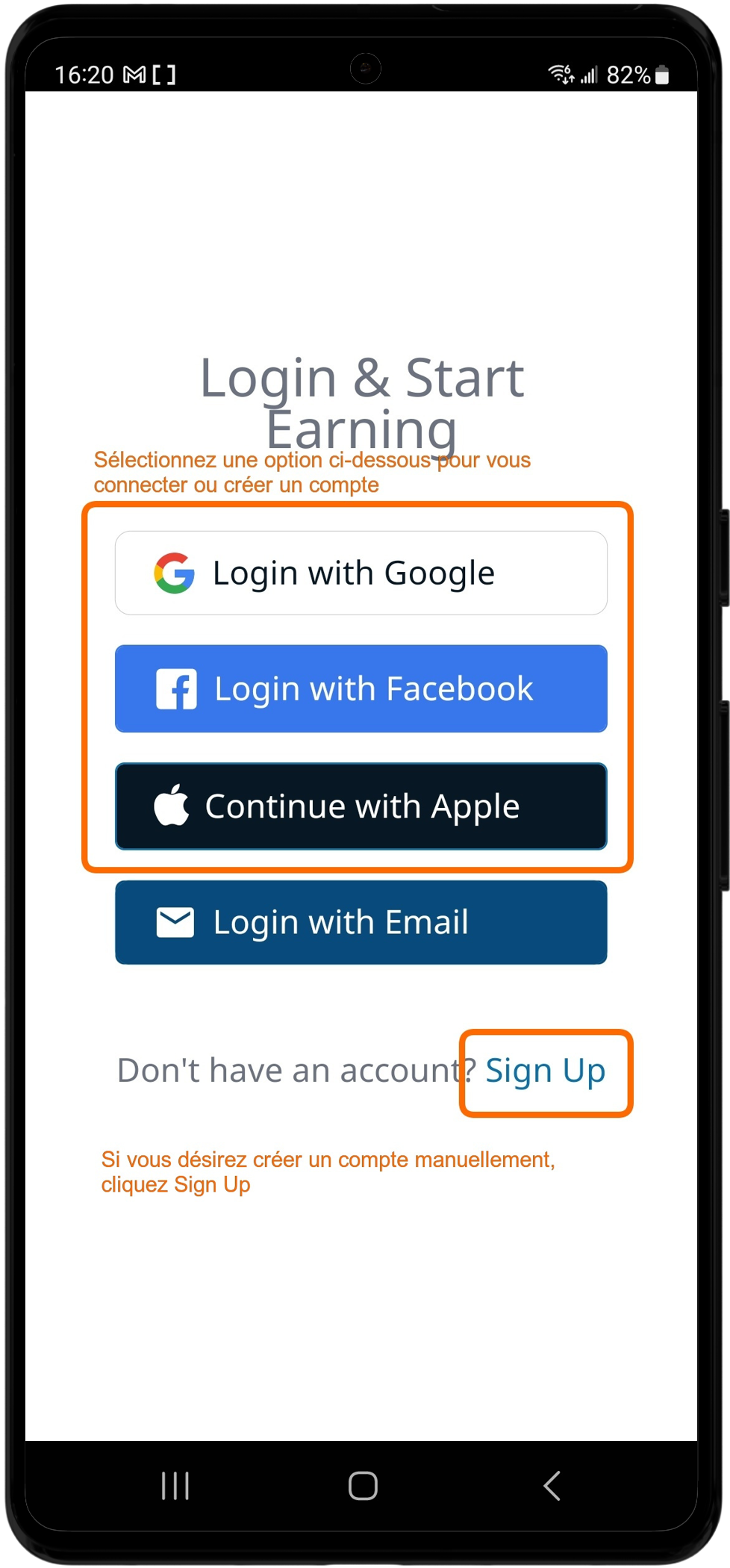
Step 2: Create an account or sign in
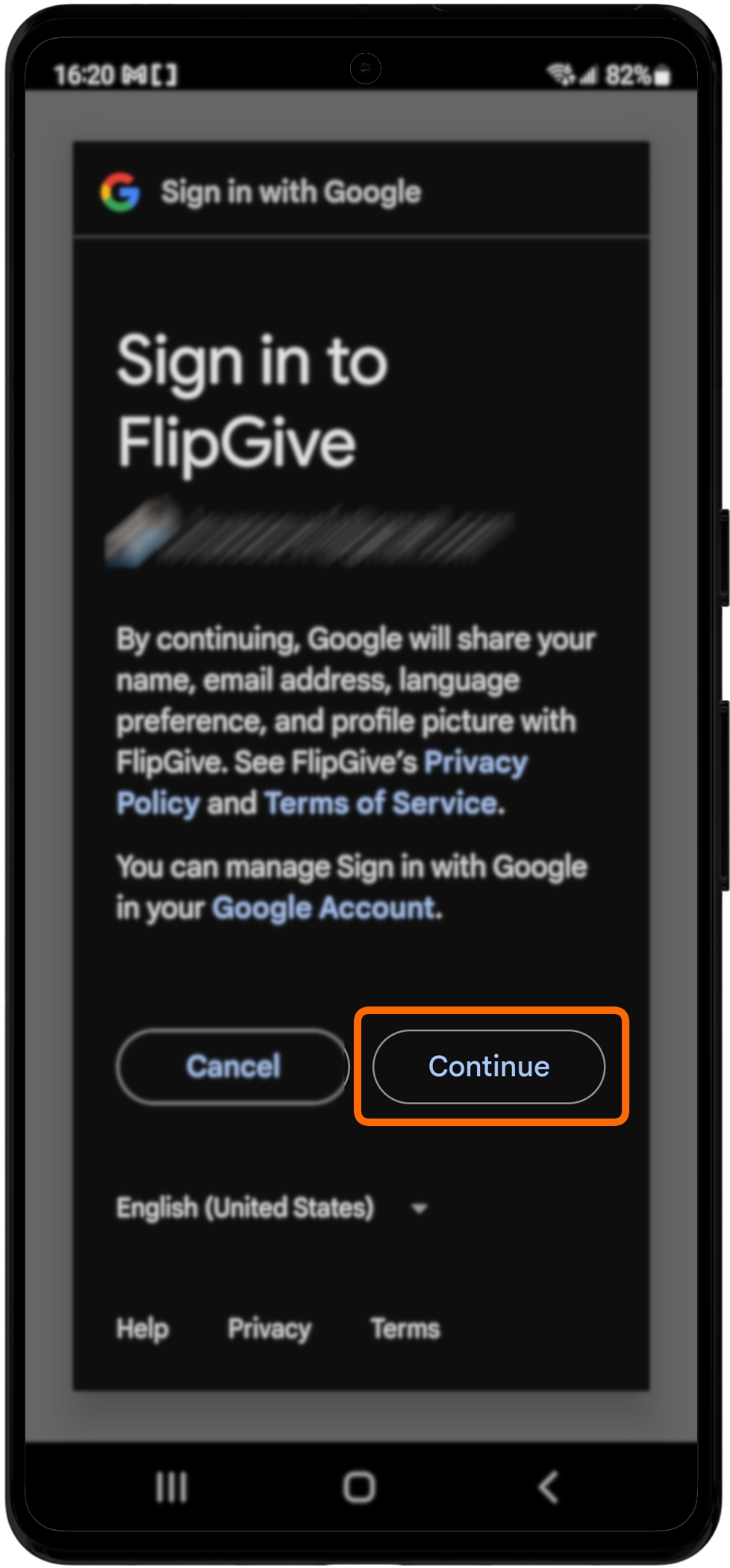
Open the app and follow the instructions to create an account, or sign in if you already have one.
Step 3: Join our team with the code
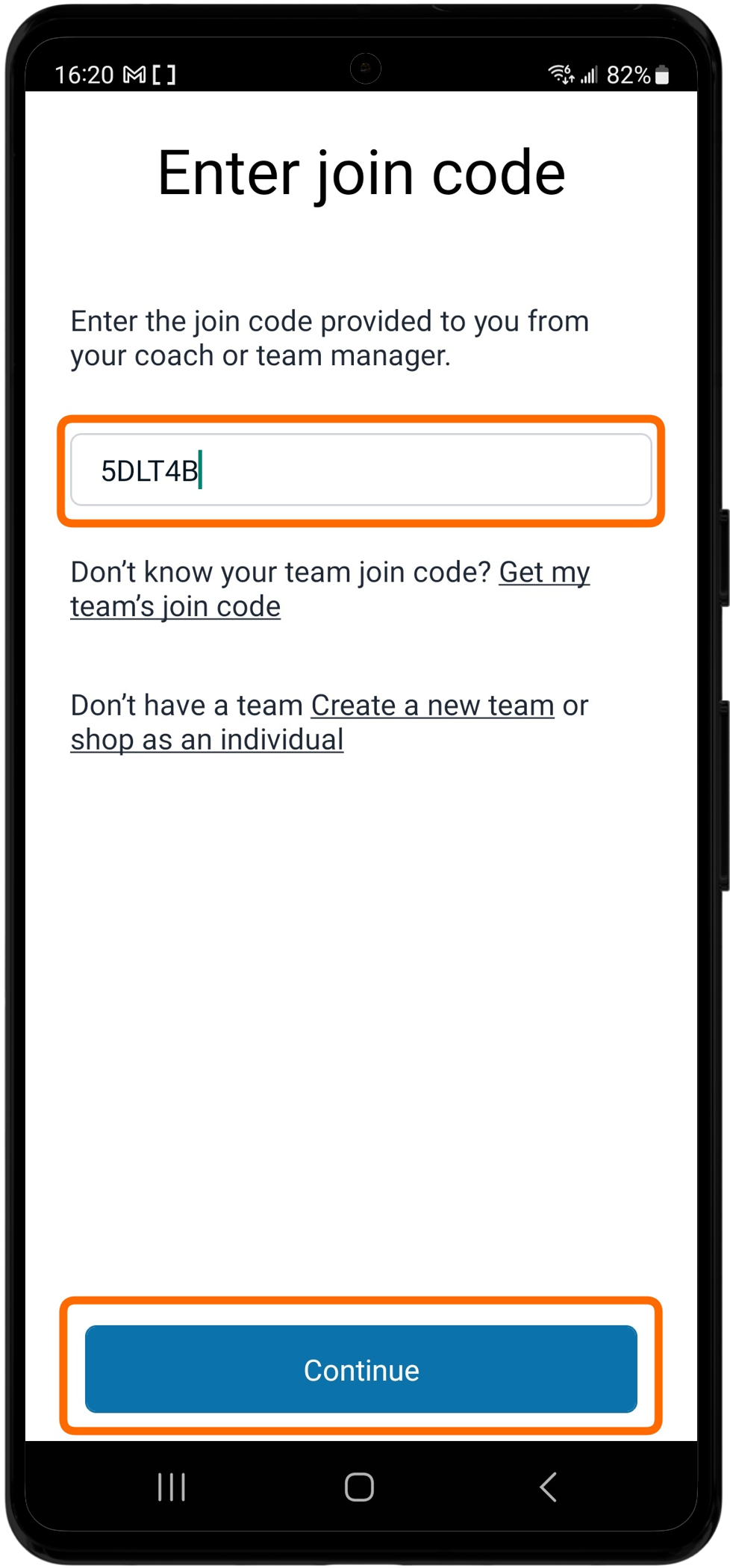
Once signed in, tap “Join Team”. When the app asks for a team code, enter the following code:
5DLT4B

Step 4: Start shopping and earning!
You are now a member of our team! Use FlipGive to shop at your favourite retailers and raise money for our cause.